01 / LOCAL & GLOBAL
Your weather. Any city.
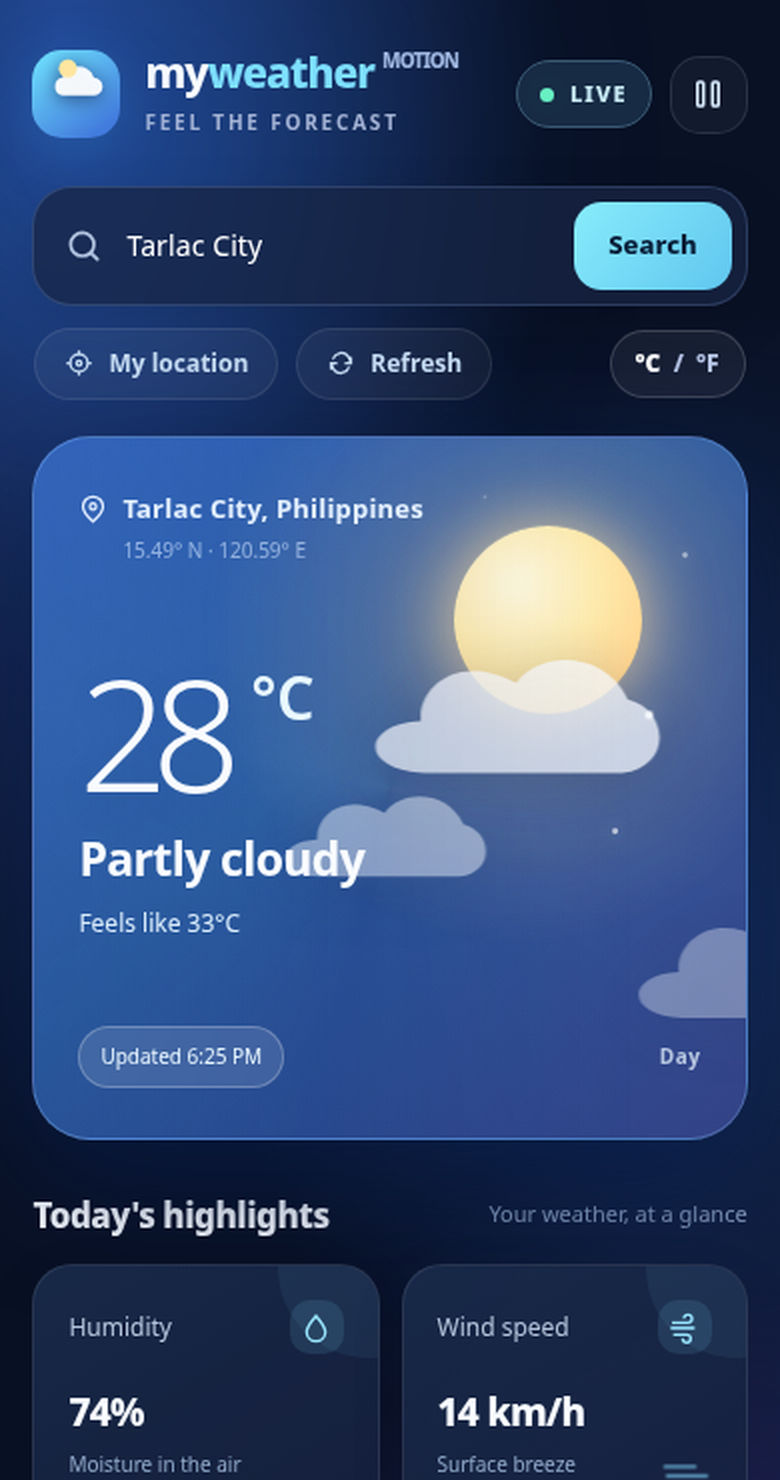
Use your device location for local conditions, or search cities worldwide without changing screens.
Search a city or use GPSSearch
Meet MyWeather — your animated Android weather companion. Know what’s happening outside, wherever you are, with the details that matter and a sky that feels alive.
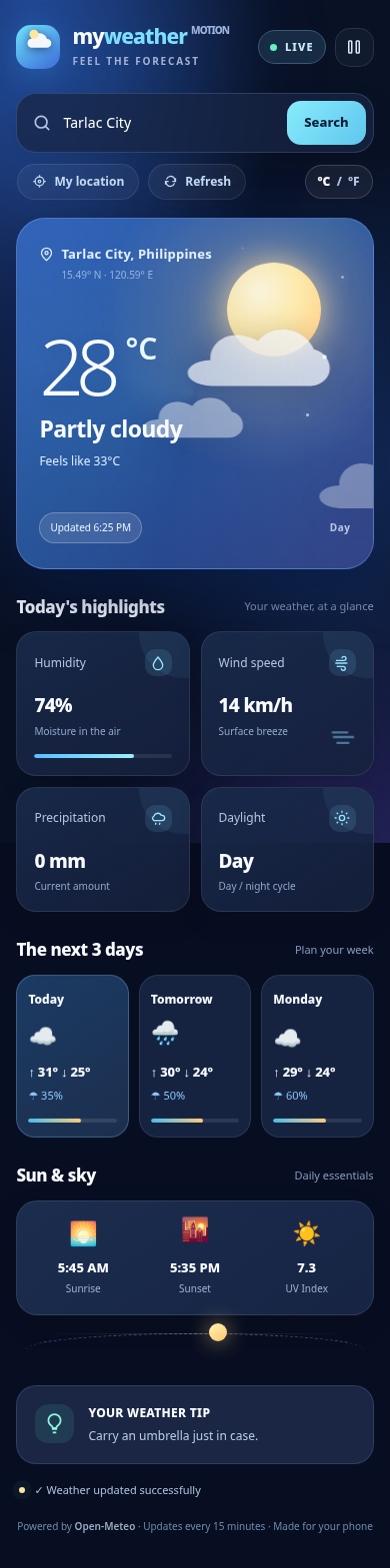
A thoughtfully designed forecast dashboard that keeps important details a glance away.
Use your device location for local conditions, or search cities worldwide without changing screens.
Subtle motion, sun and clouds bring your forecast to life in a sleek dark dashboard.
See upcoming daily conditions and temperature ranges before you make your plans.
Humidity, wind, precipitation, daylight, UV index, sunrise and sunset — right where you need them.
Update conditions on demand, with automatic refresh designed into the original app experience.
Switch between Celsius and Fahrenheit, with preference storage to keep the experience familiar.
Plan your day with sunrise and sunset times, daylight information, and daily UV levels.
Get an at-a-glance weather tip alongside your conditions, for the moments that matter.
Explore visuals taken from the MyWeather app preview.
Images are cropped from the original app preview. Replace with Play Console production screenshots before publishing them as official store screenshots.
A Play Store-style overview with the artwork and technical details from our project.
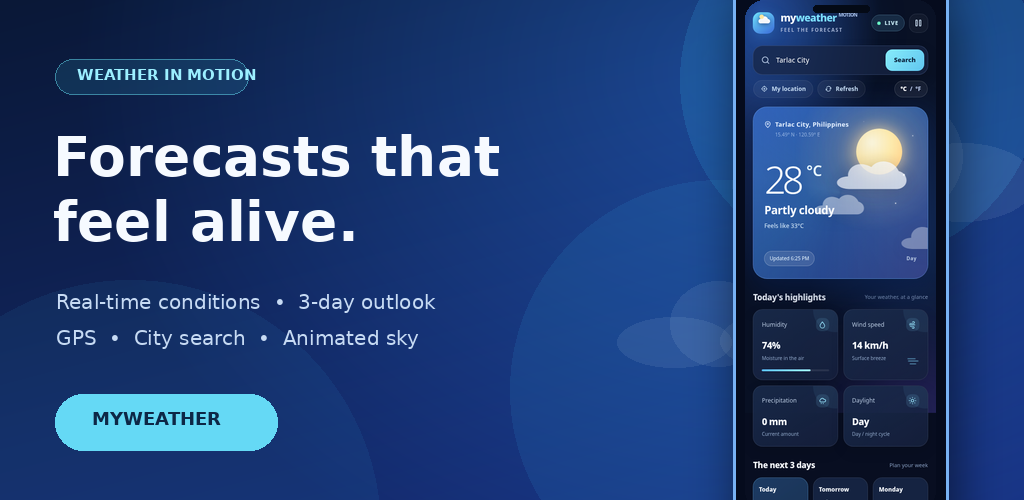
Forecasts that feel alive.
Animated local and worldwide forecasts with GPS, city search and a 3-day outlook.
MyWeather is an animated weather app for Android. Get current conditions for your location or search cities worldwide. View temperature, feels-like temperature, humidity, wind speed, precipitation and a three-day forecast. See sunrise, sunset, UV index and daylight information in a sleek dashboard with smooth weather-inspired effects. Switch between Celsius and Fahrenheit, refresh forecasts and keep your preferred settings.
Ratings, install counts, official developer details, data-safety declarations, and a public privacy-policy URL are not displayed because they haven't been verified. The promotional artwork is included as a ready-to-use asset, not represented as an already-published listing.
Original icon artwork, promotional graphic and app-preview screenshots are included in the website package.
Installing MyWeather using an APK? Follow these straightforward steps. Use a trusted copy of the app from its developer.
The APK download activates after a real .apk file or URL is supplied.
Use the install button once the official APK is linked. Save the file on your Android phone.
Find the .apk in your browser downloads or Files app, then tap it to begin installation.
On Android 8+, enable Allow from this source for the browser or Files app you used. Only enable this for a source you trust.
Tap Install, launch MyWeather and grant location access only if you want GPS forecasts. You can also search for a city.
Download the editable MIT App Inventor project, extracted source, original media assets and a new project proposal. Release artifacts are clearly labeled so you can distinguish source files from installable builds.
The signed APK for appinventor.ai_renzterrie.MyWeather is not yet available. The only signed AAB on hand belongs to a different package, appinventor.ai_renzterrie.MyWeather_Enhanced, and is kept for reference only.
Editable .aia plus extracted Blocks, project configuration and HTML animation resources.
Import the version 4.0 .aia file directly into MIT App Inventor.
Includes Screen1.scm, Screen1.bky, weather_motion.html, configuration and assets.
Project background, objectives, scope, requirements, architecture, testing and a release checklist. Review before submission.
Signature verified, but the embedded package is MyWeather_Enhanced. Not suitable for the current Play listing.
Export and sign both from the final MyWeather project using the correct keystore and package ID before publishing.
Need more detail? The Help menu also contains full requirement documents.
A public store listing for the final package has not been verified. Once the app is published, add its verified URL to the website configuration to enable the Google Play button.
Yes, if the developer provides a valid APK build. The current website package does not include an APK, so it provides the installation steps without a misleading download link.
No. GPS helps find weather for your current location, but the app also supports manually searching for a city.
The original MIT App Inventor project uses Open-Meteo for forecast data and includes city lookup support. Network access is required for updated forecasts.
Open Help in the navigation and choose either document. Each opens in a scrollable modal, with search, a section index and print support.